PocketTmux for Mac
PocketTmux-macOS-v1.0.0.zip 1.0 MB
Menu-bar app that hosts the agent. Unsigned, so the first launch is right-click → Open.
A menu-bar agent on the Mac. A native terminal on the iPhone. One tmux server between them, so the pane your Mac’s terminals see is the pane your phone renders — over Wi-Fi or Tailscale, with nothing in between.
$ pockettmuxd --port 7682 --name “MacBook Pro”
listening on ws://0.0.0.0:7682/ws (tmux 3.7c)
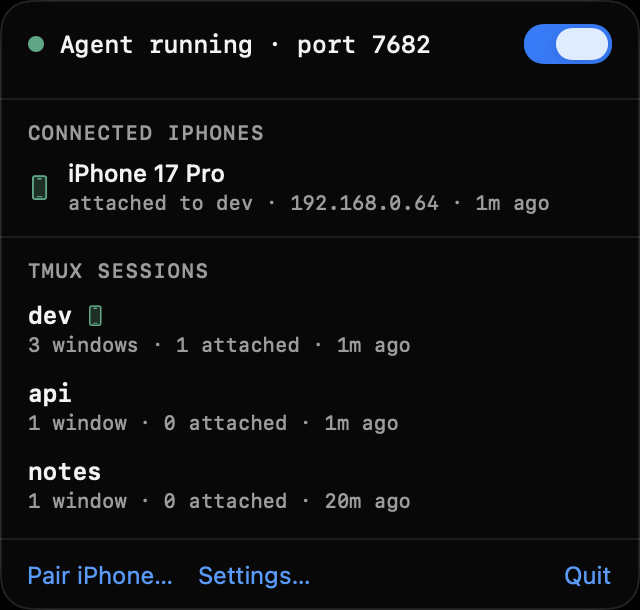
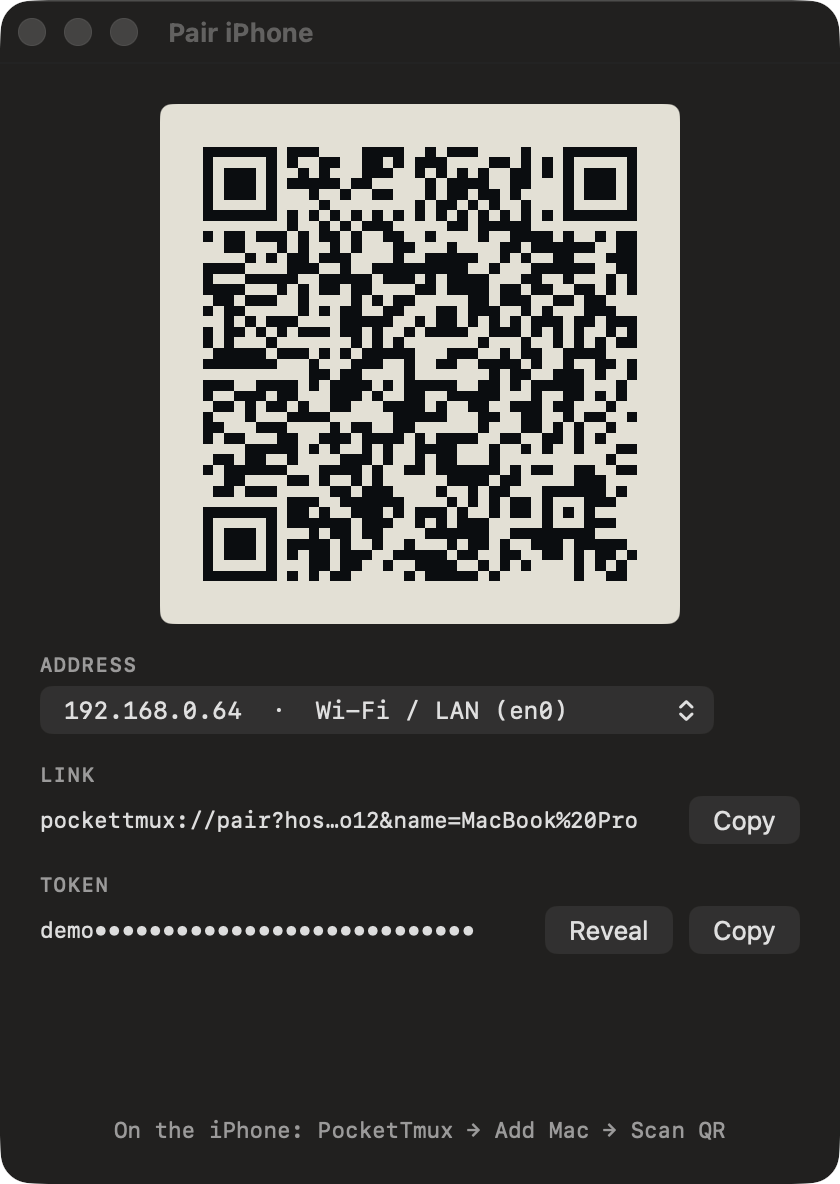
The QR carries the address you pick — Tailscale first, LAN second — the port and a 32-character token. The phone stores it in the Keychain. No account, no relay, nothing to sign up for.
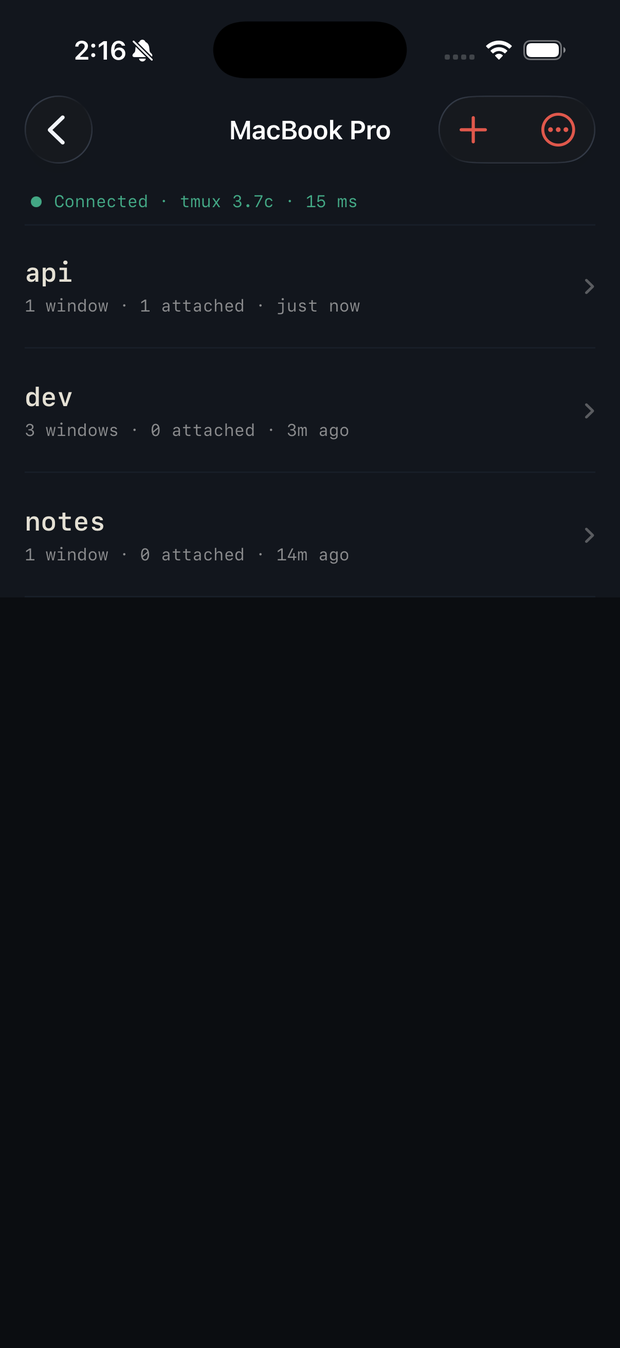
Every session the Mac has, with its window count, how many clients are attached, and the round-trip time to the agent. Create, rename and kill them from the phone; the Mac’s own terminals see the same list a moment later.
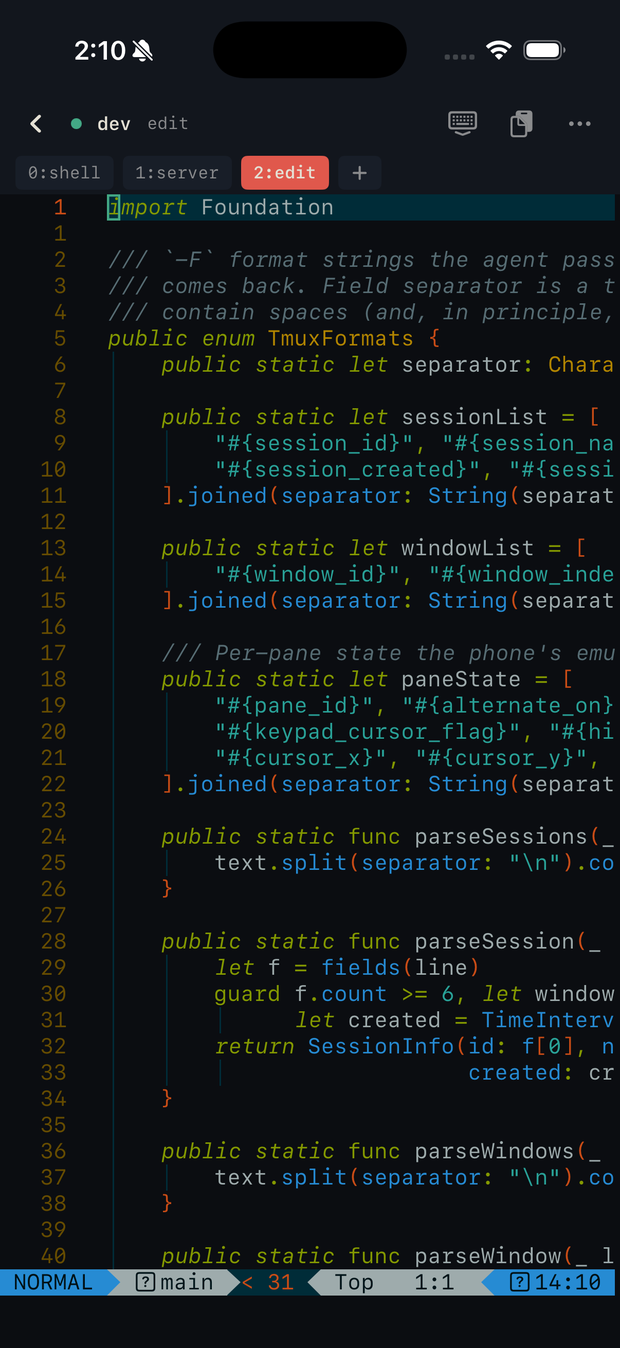
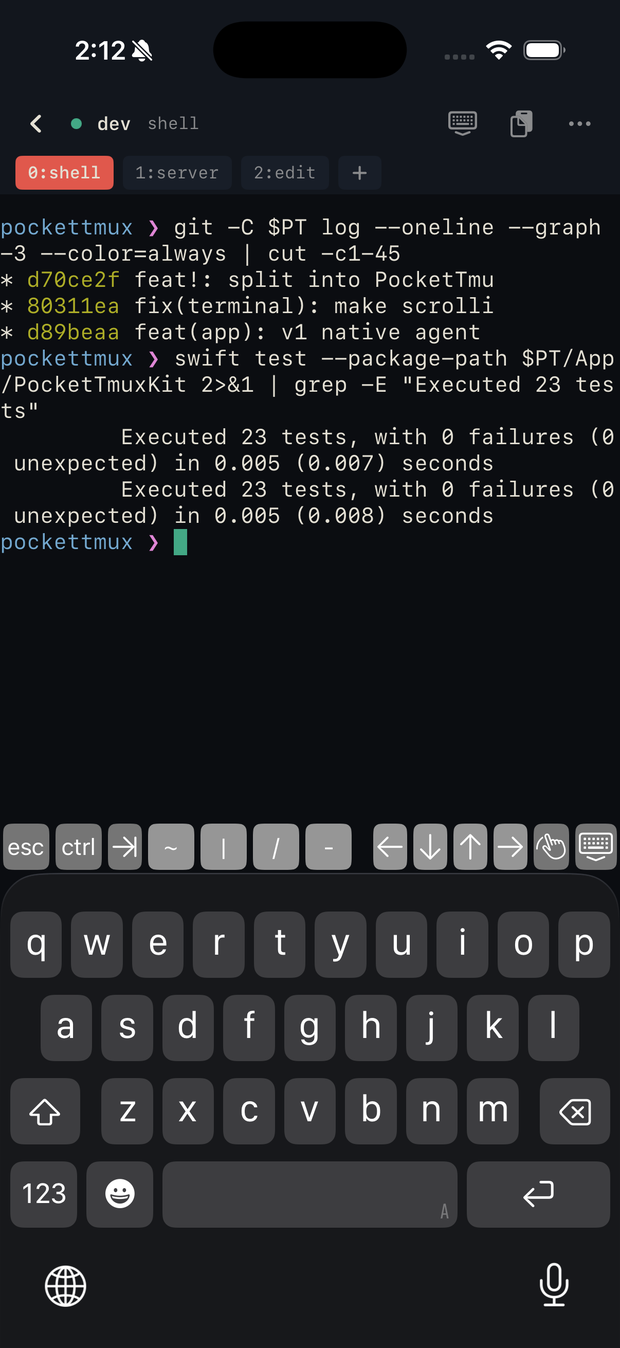
A key on the phone is a key in the pane: send-keys -H on the
control client’s stdin, one hex byte per keystroke. Alternate screen,
TrueColor and mouse reporting all work, so nvim, htop and anything else
with a full-screen UI behave the way they do on the Mac. The accessory row
keeps esc, ctrl and the arrows under your thumbs;
the strip above switches tmux windows.
tmux -CC gives an exact byte stream and stable ids, but it
replays nothing that predates the control client: no ?1049h,
no mouse mode, no pane content. A client that trusts control mode alone
believes it is on an empty normal buffer, which is why scrollback and TUIs
used to be dead on the phone.
So the agent reconstructs the first frame from tmux itself — alternate
screen, mouse flags, cursor position and the captured pane — and sends it
as one screen{reset}. It runs again on every window and pane
switch, including the ones you make on the Mac.
Protocol v2 reference Architecture & decisions The failures behind each fix
one attach, frame by frame
phone → hello{v:2, auth}
agent ← hello.ack{host, caps}
phone → session.attach{id:$1, cols:46, rows:42}
tmux  · forkpty: tmux -CC attach -t $1
tmux  · resize-window + window-size manual
tmux  · display-message #{alternate_on}…
tmux  · capture-pane -p -e
agent ← session.attached{session, windows}
agent ← screen{reset}   primed: escapes + content + cursor
agent ← screen{update}  coalesced every 16 ms
| Transport | WebSocket, JSON frames, protocol v2 | Network.framework on the Mac, URLSessionWebSocketTask on the phone |
|---|---|---|
| tmux bridge | control mode on a pty | one tmux -CC client per attached phone |
| Output pacing | 16 ms frames | 512 KiB in the buffer flushes immediately |
| Input | send-keys -H, 128 keys per line | paste goes through load-buffer so bracketed paste still applies |
| Discovery | Bonjour _pockettmux._tcp | plus QR and pockettmux:// links for Tailscale |
| Auth | 32-character token, constant-time compare | no TLS in v1 — LAN or Tailscale only, never port-forwarded |
| Requirements | macOS 14 · iOS 16 · tmux 3.7c | the Mac app is not sandboxed: it execs your tmux |
| Tests | 23 package · 15 iOS · 1 end-to-end script | swift test, xcodebuild test, check-attach-prime.py |
| Dependencies | SwiftTerm 1.20 — and nothing else | no analytics, no accounts, no servers we run |
PocketTmux-macOS-v1.0.0.zip 1.0 MB
Menu-bar app that hosts the agent. Unsigned, so the first launch is right-click → Open.
PocketTmux-iOS-v1.0.0-unsigned.ipa 1.1 MB
Re-sign it with your own Apple ID (Sideloadly, AltStore) or run the scheme from Xcode.
pockettmuxd-v1.0.0.tar.gz 0.5 MB
The same agent as a CLI, for headless Macs and scripts. Flags for port, token, name and tmux path.
$ git clone https://github.com/waylake/pockettmux && cd pockettmux/App
$ xcodegen generate && open PocketTmux.xcodeproj
schemes: PocketTmux (iOS) · PocketTmuxMac · pockettmuxd